Photo Book: Your Own Photos, Arranged and Exported as a PDF
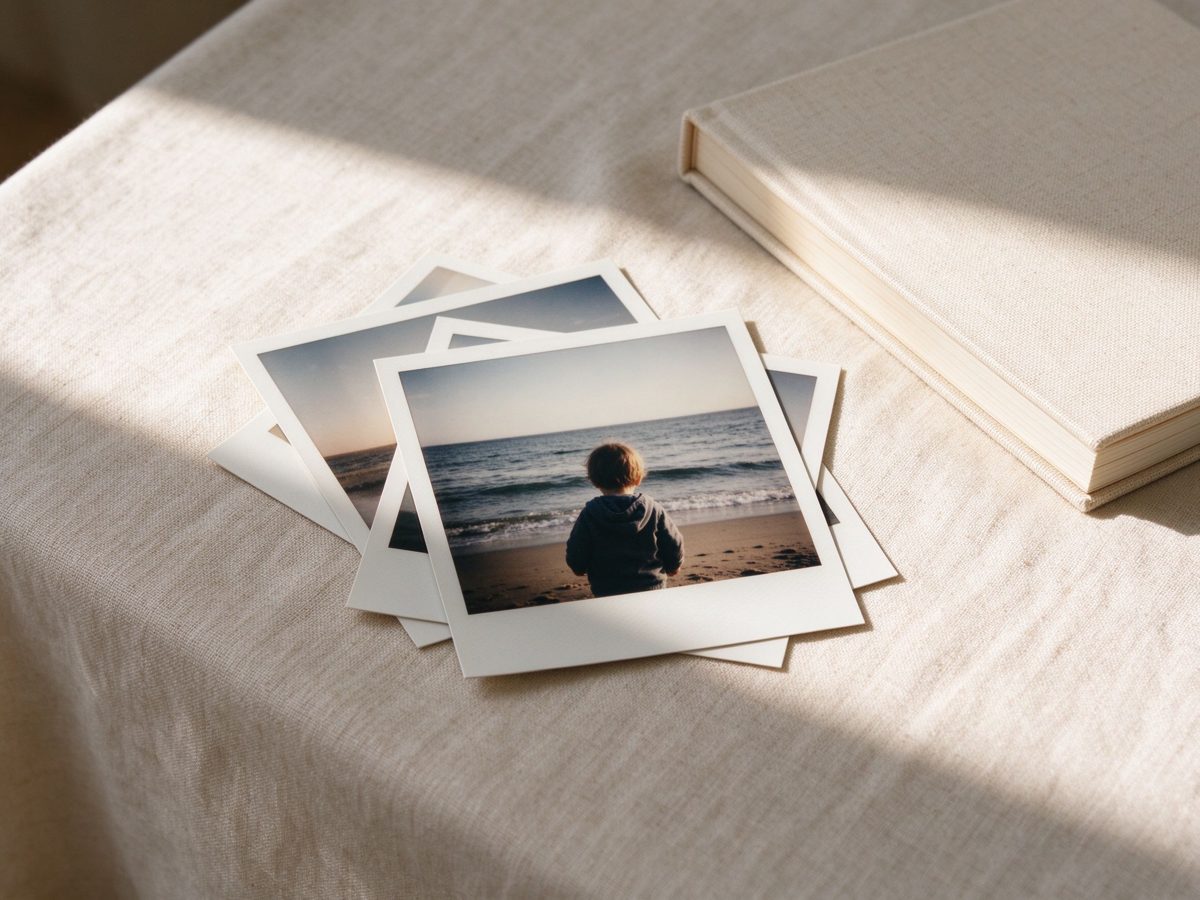
You dump a shoebox of photos on the kitchen table, late on a Sunday night, and realize half of them are upside down. You pick up one, then another, and keep setting them aside — the trip to the lake, the kid's first steps, that one from Christmas that everyone's in. A photo book from Pianyu starts with these photos you already have, not with a template you have to fill.
You pick the ones that matter — a trip, a year, a person — add a line about each if you want to, and the book is arranged. Margins, page breaks, captions, a contents page. Then it is exported as a PDF you can print at any print shop, or keep as a file.
It's easy to put this off. You tell yourself you'll do it next month, then next year, and the shoebox stays in the closet. But once you start, it takes an evening, and you end up with something you can hand to someone.
What you get
- A print-ready PDF in US Letter, 300 DPI, with 3 mm bleed on every page.
- Every page composed from your own photos — no stock images, no filler art.
- Captions in your words. If you spoke them, they were transcribed; if you typed them, they were kept as typed.
- A one-time price of $19. No subscription, nothing auto-renews. You can lay out 5 pages free before deciding.
How many photos
A photo book is built from a set you choose: roughly two dozen to sixty photos, one or two per page, depending on how much you want each photograph to carry. Fewer photos means each one gets more room; more photos means a denser rhythm.
There is no minimum you have to hit before starting. You can begin with one photo and a sentence, and keep adding. This isn't a one-time album — you can come back next year and add another trip, another birthday, another chapter.
What the engine does, and what it does not
The layout engine measures before it places anything. It knows the trim size, how many photos are on the page, each photo's shape, and how many characters the caption runs. It works out how wide the text column must be to stay readable — at least 26 Chinese characters or 45 English characters per line — then gives the remaining area to the photographs, and checks that the images cover at least 45% of the page with under 15% left blank. If a given arrangement cannot meet that, it tries another: image above text, text beside image, a grid, or a crop.
This is arithmetic, not guessing. The same photos and the same words produce the same page every time, which is why it can be tested rather than judged by eye. When you're staring at a blank page and don't know where to start, a tool that only arranges — that doesn't write your memories or upload your photos — takes the pressure off.
What it will not do: it does not invent a place, a date, a name, or a feeling. It does not rewrite your sentence into something that sounds better. Arranging is the whole job.
What a book looks like, chapter by chapter
The chapters are named after what the photos are of, not after a fixed outline. A pet book built from sixteen photos and one sentence came back as five chapters: the day she arrived, the ordinary days, the places she liked, the people she followed, what you want to keep. Each chapter opens with a title page, then the photos and the lines that belong to it.
You can merge two chapters into one, split the longest into two halves, and rename any of them. The contents page and the page numbers follow what you did, not what the engine first proposed.
Where the files live
Your photos and text stay in your browser. We do not upload them, and there is no account. When you export, the PDF is generated on your device and saved where you save it.
Photos and audio files never leave your device. Text does, in three places and only after you press a button: voice to text (the audio goes to a transcription service that does not store it), chapter naming, and "help me start this page". Separately, if you use the card library, the cards you send in are held until your yearly export.
Printing it
The PDF is sized for US Letter. Any print shop that accepts a PDF can print it; a hardcover or softcover binding is their decision, not ours. We do not sell physical books — the file is the product.
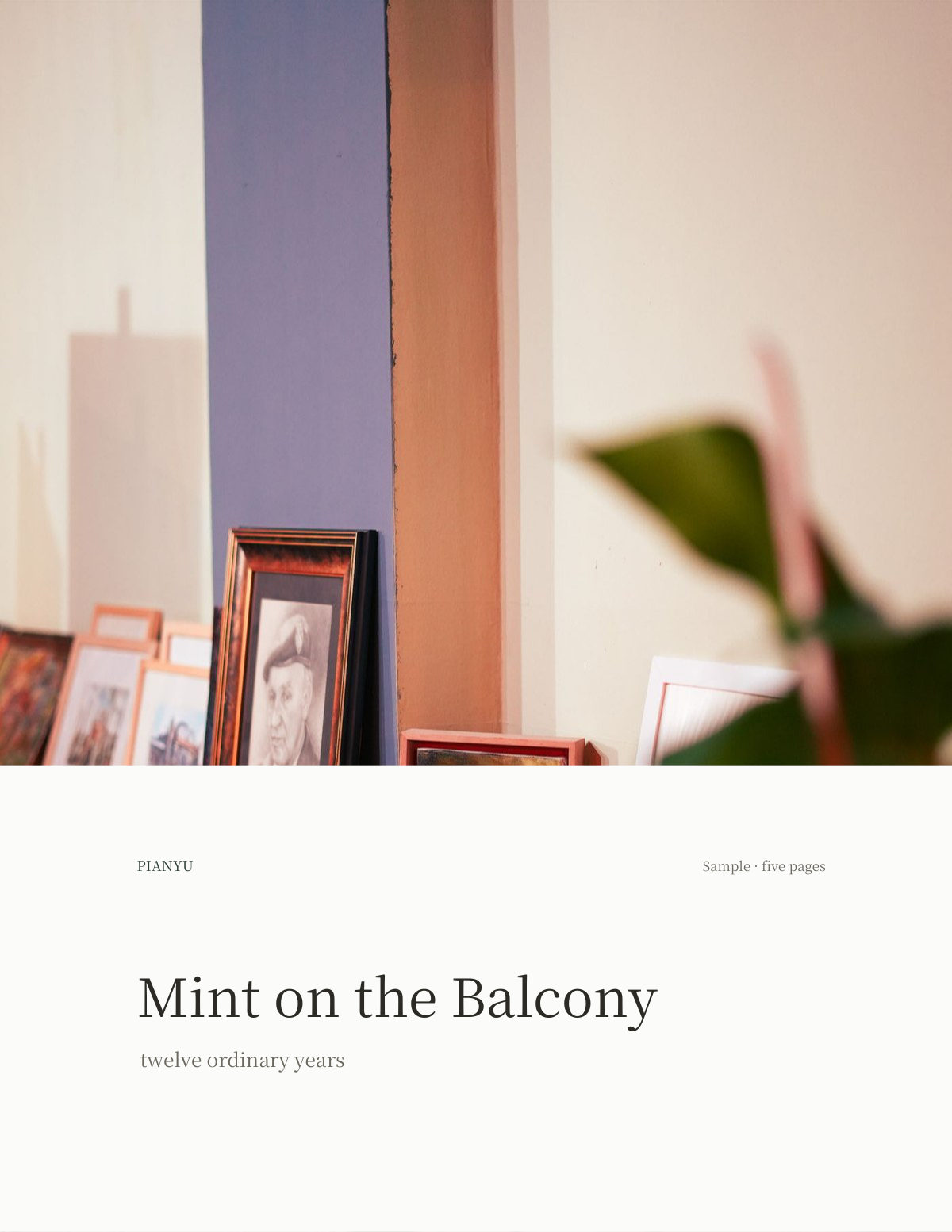
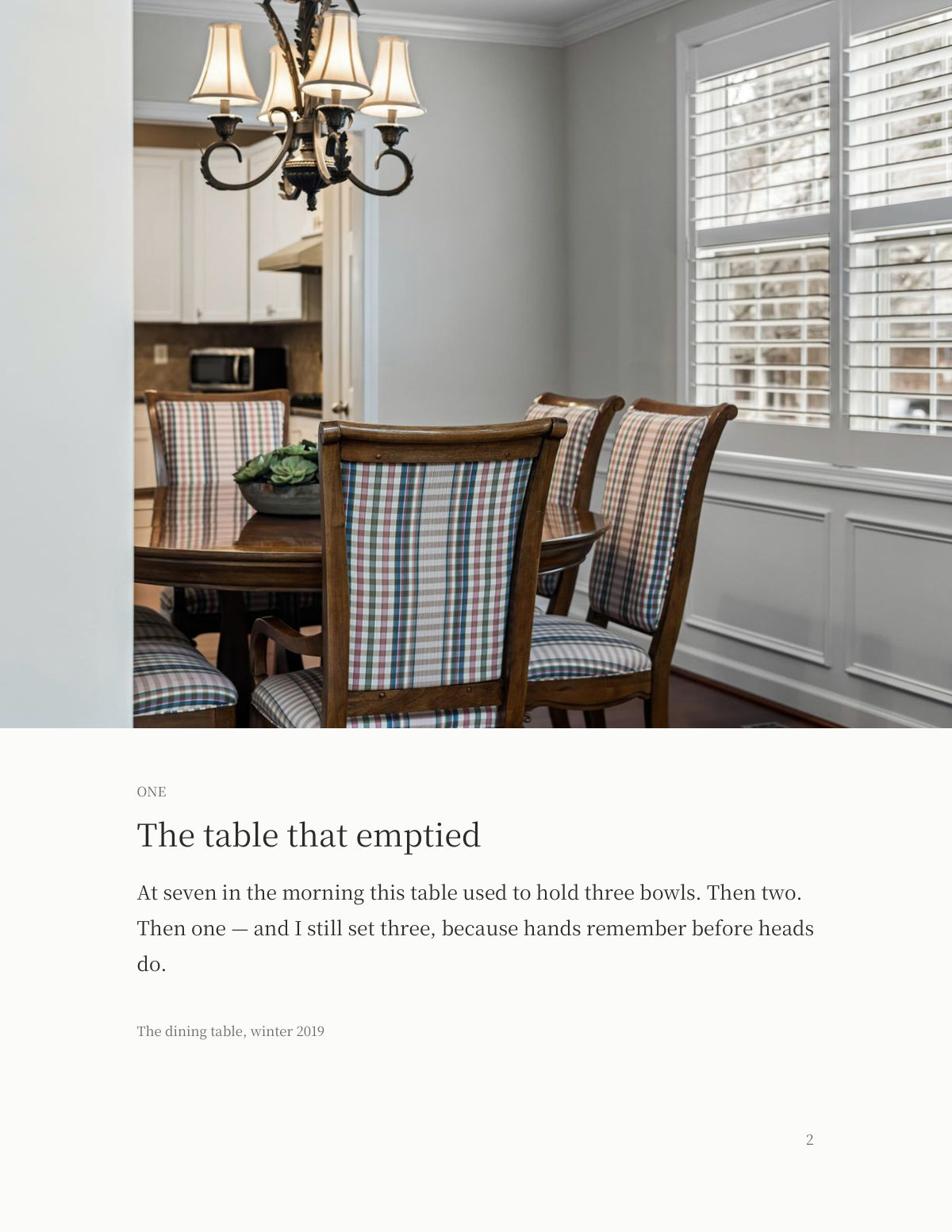
The arranging is the part Pianyu takes; the writing stays with you. The photos never leave your device, and five pages are free.
See the sample pages → · See what each book costs → · How the arrangement works →